







Getting Started
Memu & Bluestacks Issues
Fixes for common MEmu and Bluestacks problems: can't join rallies, emulator not opening or crashing after an Evony update, account switching.
On this page
Can’t Join Rallies
Make sure you are on the right emulator settings, and ESB and the game is up to date.
Bluestacks: Display is on portrait, 540 x 960 240 dpi and Graphics DirectX.
Memu: Display is 540x960, 240 dpi or 396 x 704, 132 dpi and Render Mode is DirectX.
ESB-TKR: Latest Update is ESB- TKR v2.3.7.3 (more info here).
Evony TKR: Latest Update is Evony v4.38.2. (go to google playstore and check for an update there.)
“But… I did update!” : Please check again.
Message us on Discord if you’re still having issues.
Memu not opening after the recent Evony update
- Move to Android 7.1, 32-bit on Multi-MEmu.
- Launch Multi-Memu.
- Click “New”.
- Pick Android 7.1, 32-bit on Multi-MEmu.
- Once the download process is complete, click on "Start".
- Now, you will have to customize the instance as per the MEmu Guide.
- Download Evony from the App Store and log in to the game same as how you do on your phone.
- In case MEmu is showing a different language, you can follow this YouTube video to change the language.
Bluestacks Crashing after updating to Evony v4.35.4
- Move to Android Nougat 32-bit on Bluestacks Multi Instance Manager.
- Launch BlueStacks 5 Multi-instance Manager icon on the Side Toolbar.
- Click Instance.
- Now, select "Fresh instance". Again always click fresh instance as cloning could lead to more issues.
- Click on "Nougat 32-bit”.
- Click on "Next" to continue.
- Now, you will have to customize the instance as per the Bluestacks Guide.
- Click on "Download” or “Create”.
- Once the download process is complete, click on "Start".
- Download Evony from the App Store and log in to the game same as how you do on your phone.
However, if Hyper-V is enabled, you will see an error (as shown below):
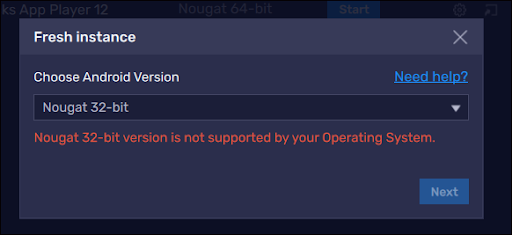
- To resolve this, you will have to disable Hyper-V on your system which can be done by following the instructions here:
(We highly recommend disabling hyperV using the exe.file on step 1.)
Warning
If the above doesn’t work, you can either:
If you have not linked your account and you can’t load the game anymore
Install older version of Evony from apkpure. Download the apk (not the xapk) for v4.35.3 here:
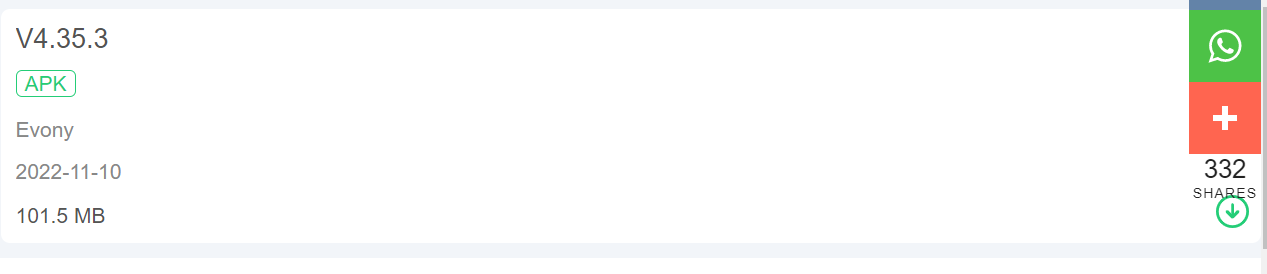
After you have downloaded it…
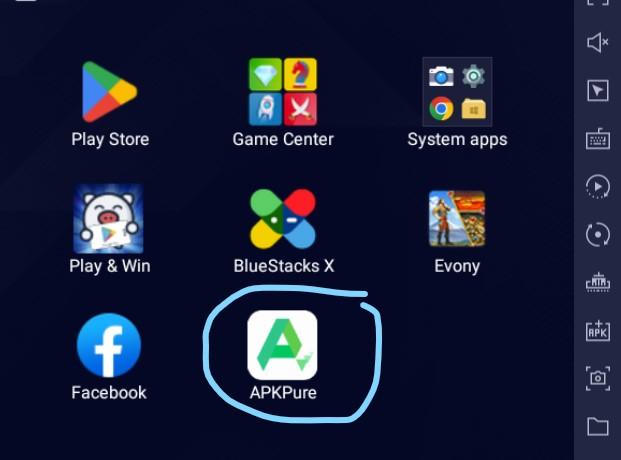
For Bluestacks, drag the file over to your emulator.
For MEmu, you need to click the APK icon at the right toolbar. Then search for wherever the apk file was downloaded.
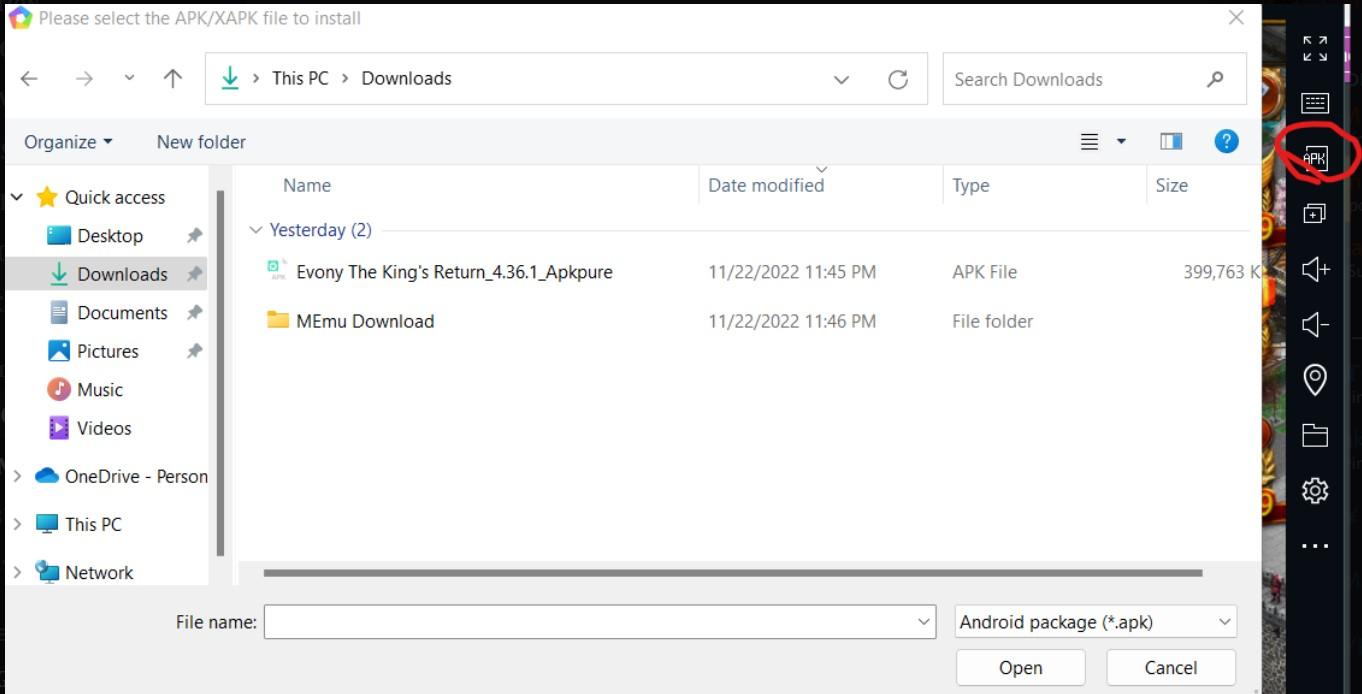
Open it, then link your account.
As you have already linked your account, you can now do the steps to move to 32-bit without losing your progress.
Having Issue switching or linking accounts
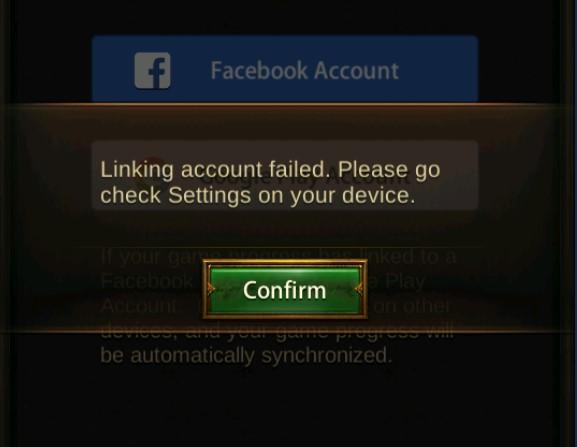
Update google play services.
There are two ways to do this:
- Go into google play store type in the search bar ‘play games’ update that. Open play games to update google play services.
- On system apps on Bluestacks main menu, go to settings. Then Apps, and go to google play services to update.
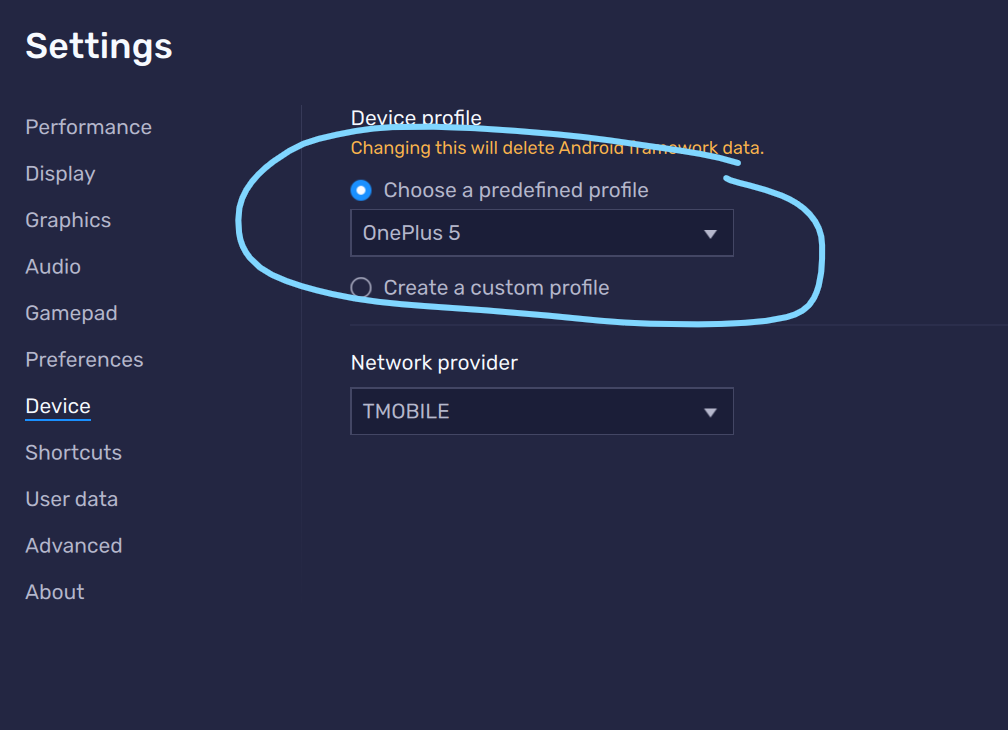
If there is no update on google play services, or updating did not work, then try to change the phone's "predefined profile".
- Go to bluestacks settings then device tab. Change the phone profile to a different one.
If you’re still having issues please open a ticket on Discord.