Automation Modes
Mail Sender Guide
Send items by in-game mail by choosing the items and the total to send from the Mail Sender tab.
Este guia ainda não foi traduzido para Português, então é exibido em inglês.
Nesta página

How to Use
Follow the steps below to understand and take advantage of this mode.
Mail Sender Settings
- You must go to the Mail Sender tab to adjust the settings.
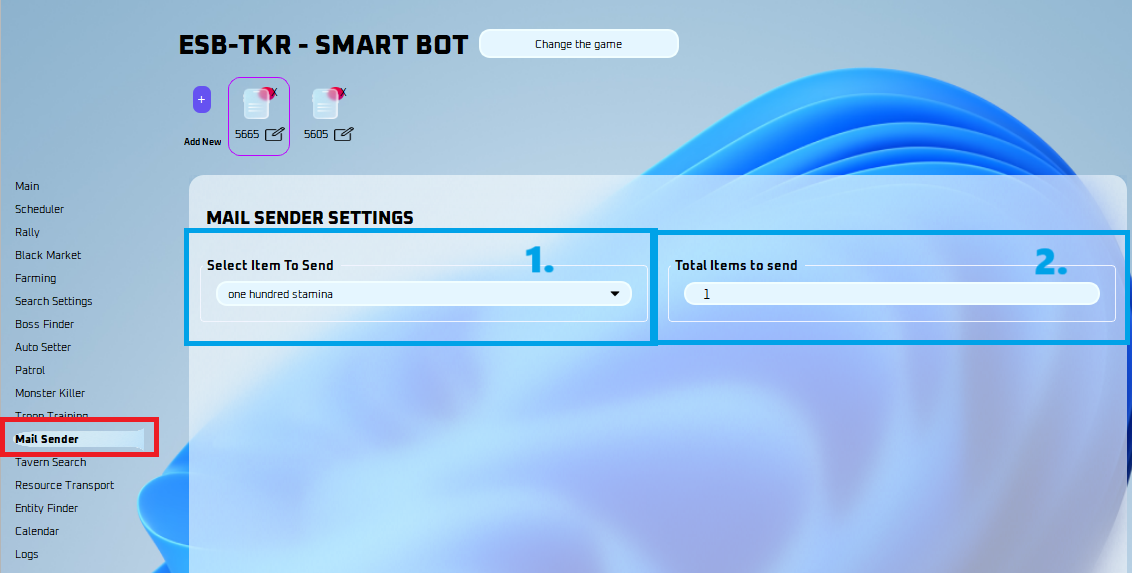
- Select what items you wish to send.
- Select the total items to send here.
Note
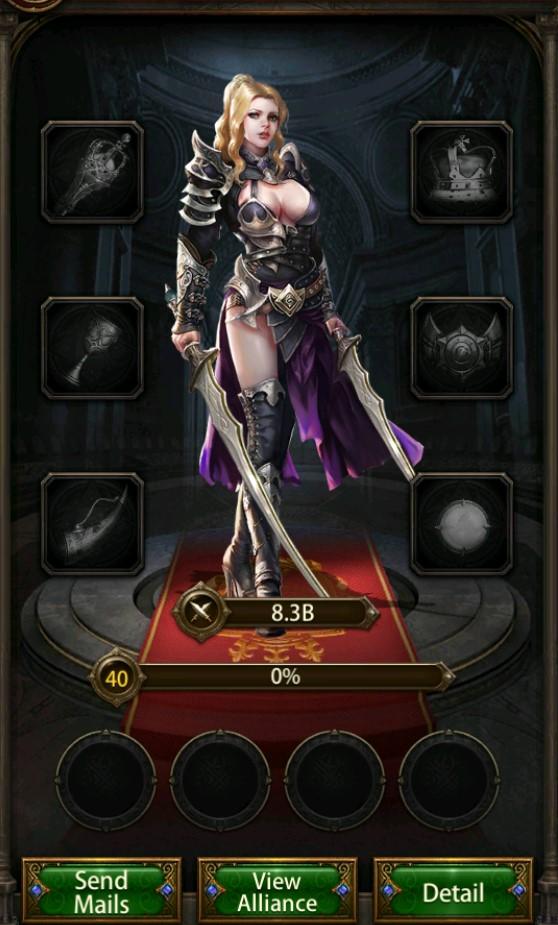
Make sure you have the person you want to send mail to open in the game like the picture below: