Remote Dashboard
How to Log in
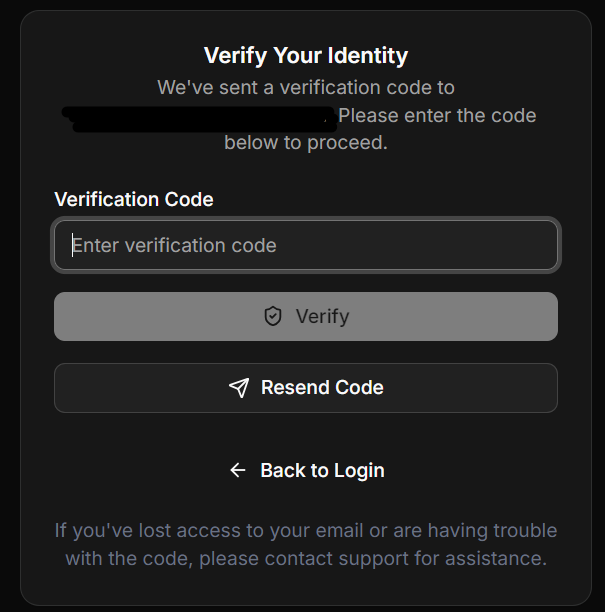
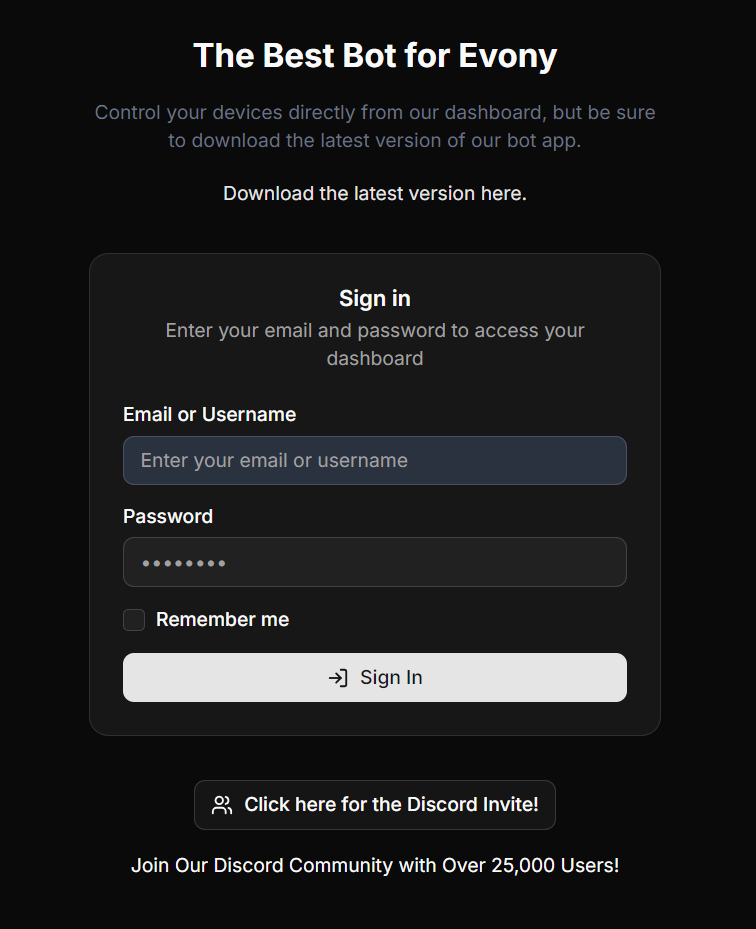
Log in to the remote dashboard web portal with your bot username and password, then verify with the code sent to your email.
Ce guide n'est pas encore traduit en Français, il est donc affiché en anglais.
Once you are done paying, go to https://eat-api.emulatorautomation.com/dashboard/web_portal/login?from=%2Fweb_portal either on your phone or on another computer.
Log in using your bot username and password.
A verification code will be sent to your email. Input it on the verification code box and click verify.