







Profile Guides
How to Migrate Profiles
Import your original UI profiles into the New UI by migrating the user_profile.json file from the ESB-TKR folder.
本指南尚未翻译为中文 (简体),因此以英文显示。

Here is the guide on how to migrate your original UI profiles to the new UI.
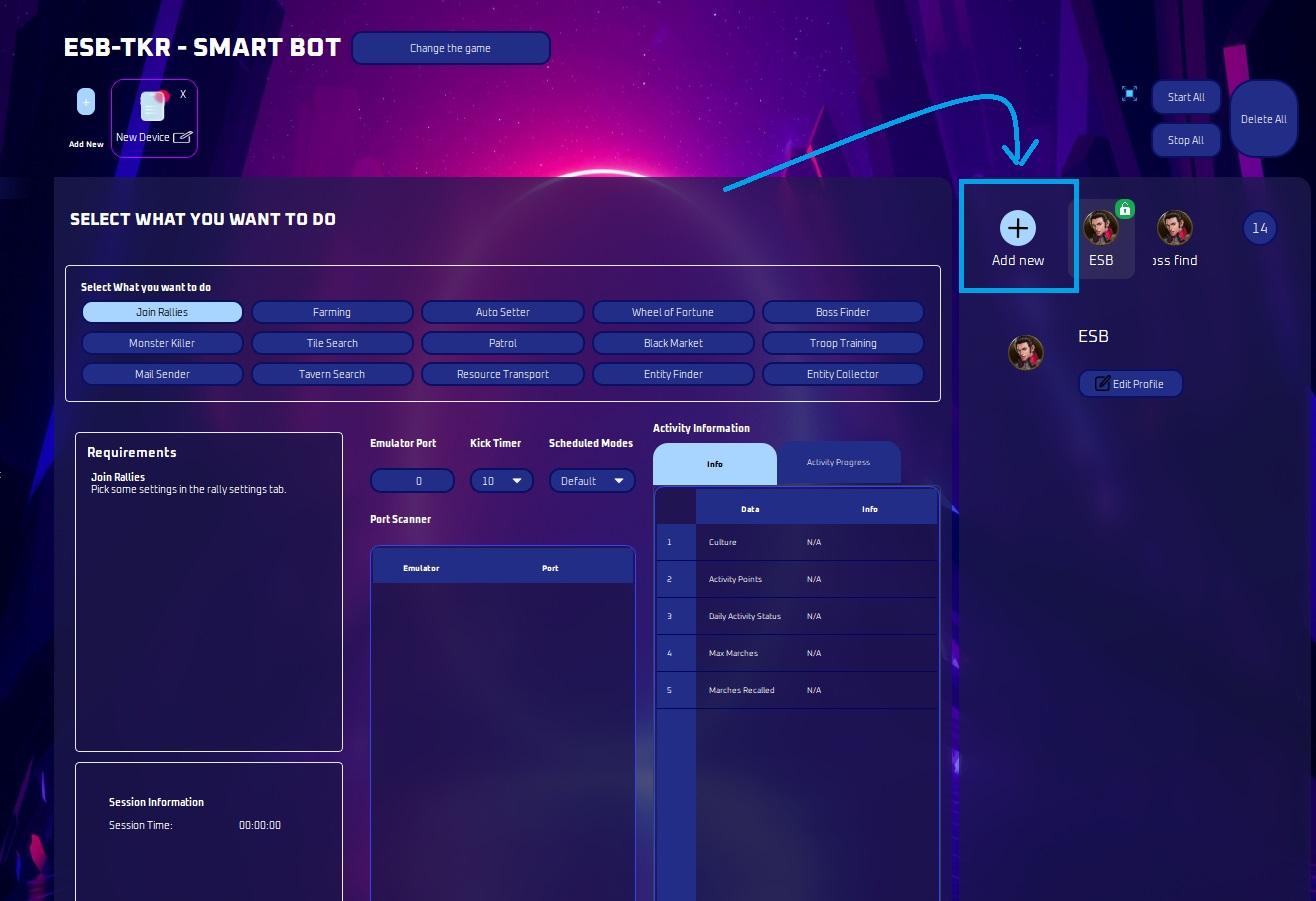
Click add new profile.
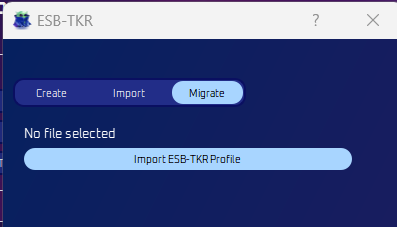
Select Migrate then Import ESB-TKR Profile.
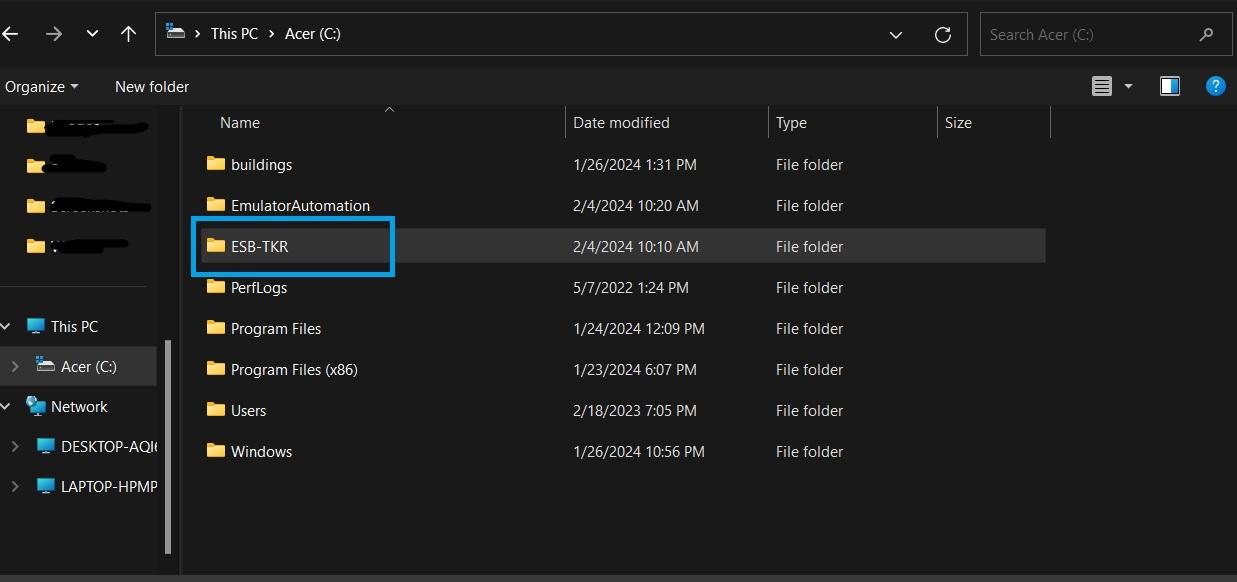
Navigate to your C:drive and locate the ESB-TKR folder.
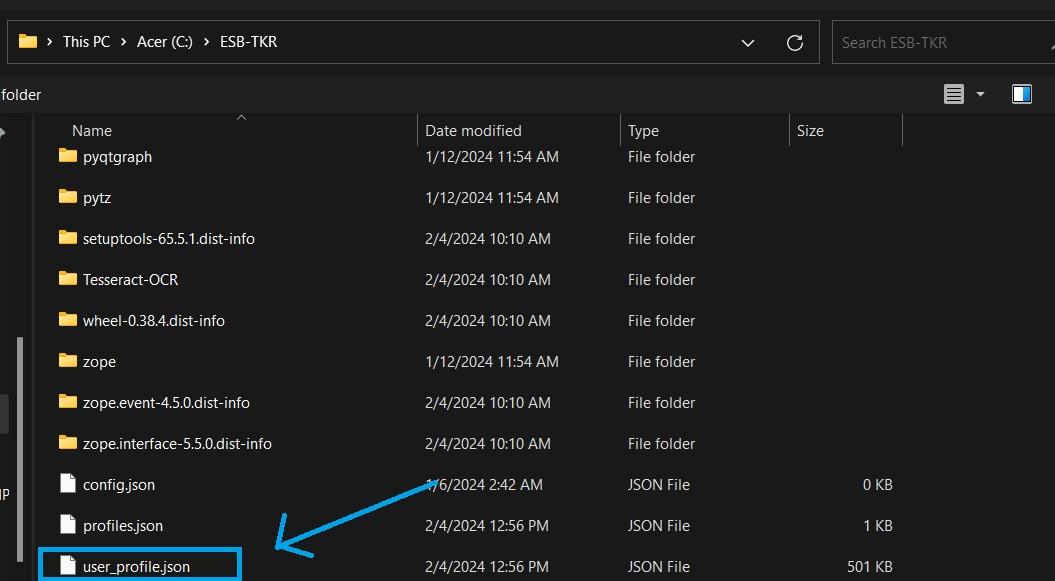
Look for the user_profile.json file and click on it.
After clicking it, the migrate screen should look like this:
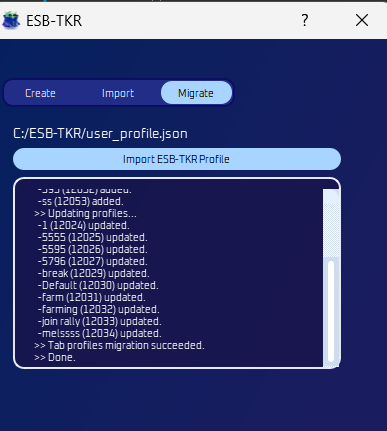
Now you’re all done! Original bot profiles are now visible.