Remote Dashboard
How to Log in
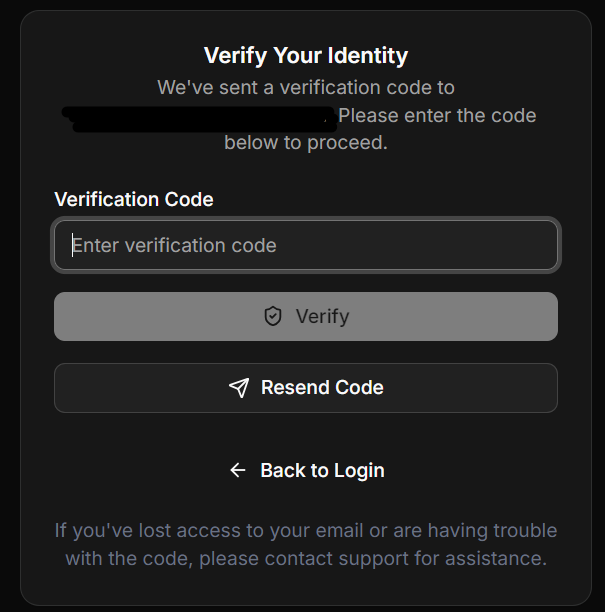
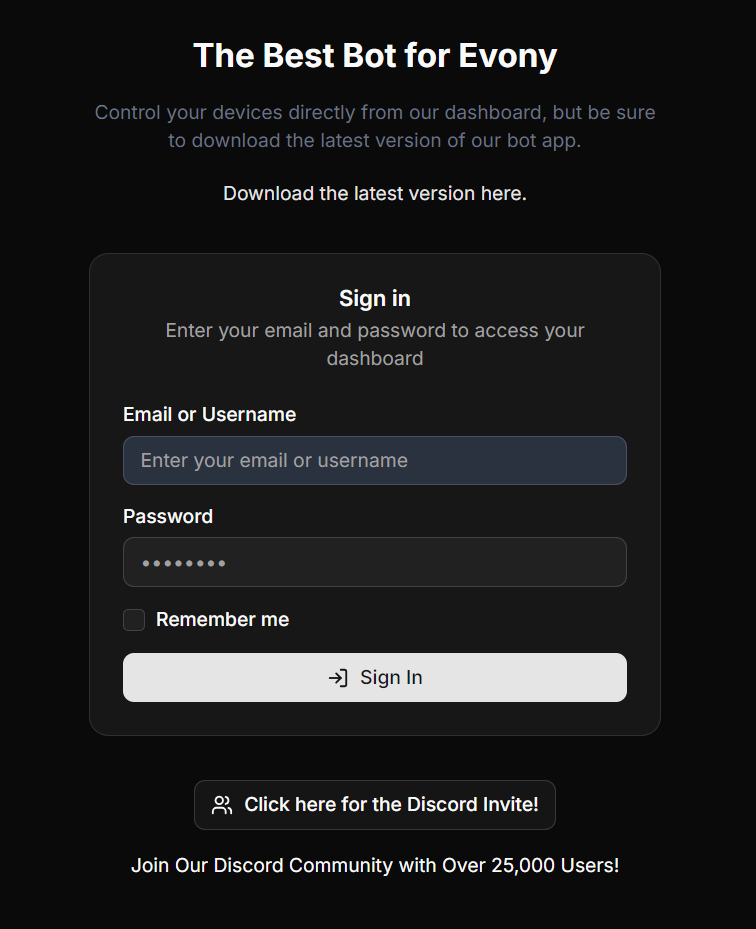
Log in to the remote dashboard web portal with your bot username and password, then verify with the code sent to your email.
이 가이드는 아직 한국어로 번역되지 않아 영어로 표시돼요.
Once you are done paying, go to https://eat-api.emulatorautomation.com/dashboard/web_portal/login?from=%2Fweb_portal either on your phone or on another computer.
Log in using your bot username and password.
A verification code will be sent to your email. Input it on the verification code box and click verify.