Automation Modes
Mail Sender Guide
Mail Sender mode sends the items you select to the player whose mail window is open in the game.
このガイドはまだ日本語に翻訳されていないため、英語で表示しています。
このページの内容
How to Use
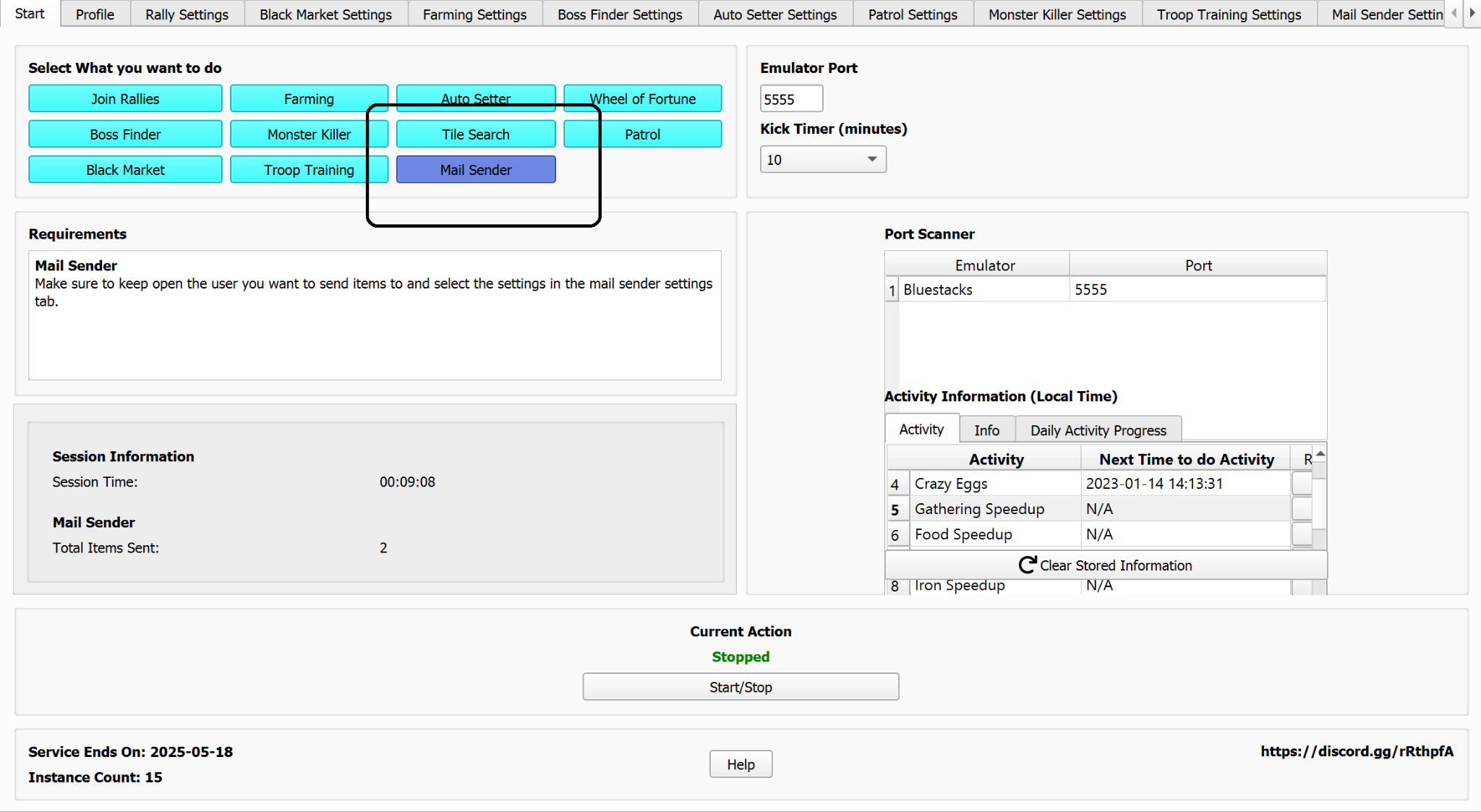
Select the Mail Sender mode here.
Mail Sender Settings:
- Select what items you wish to send.
- Select the total items to send here.

Note
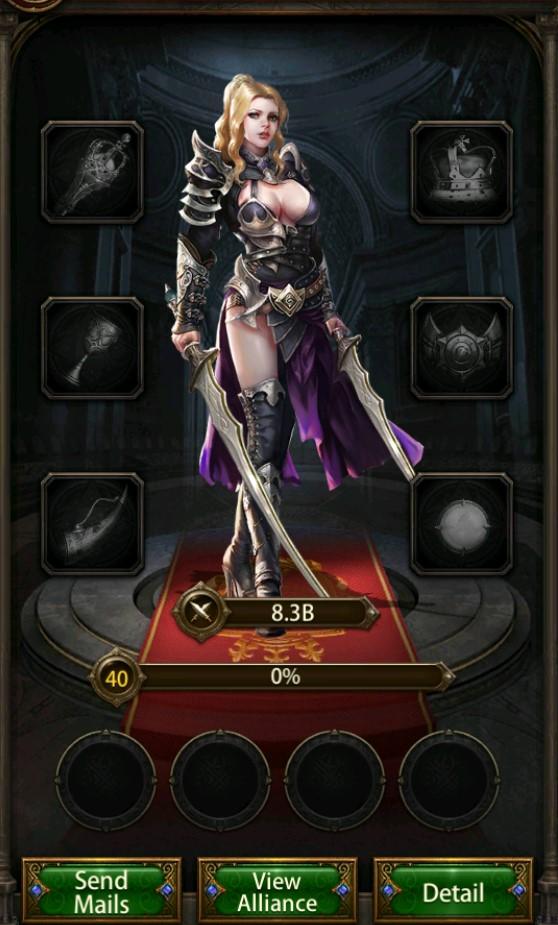
Make sure you have the person you want to send mail to open in the game.