






Getting Started
Metric Guide
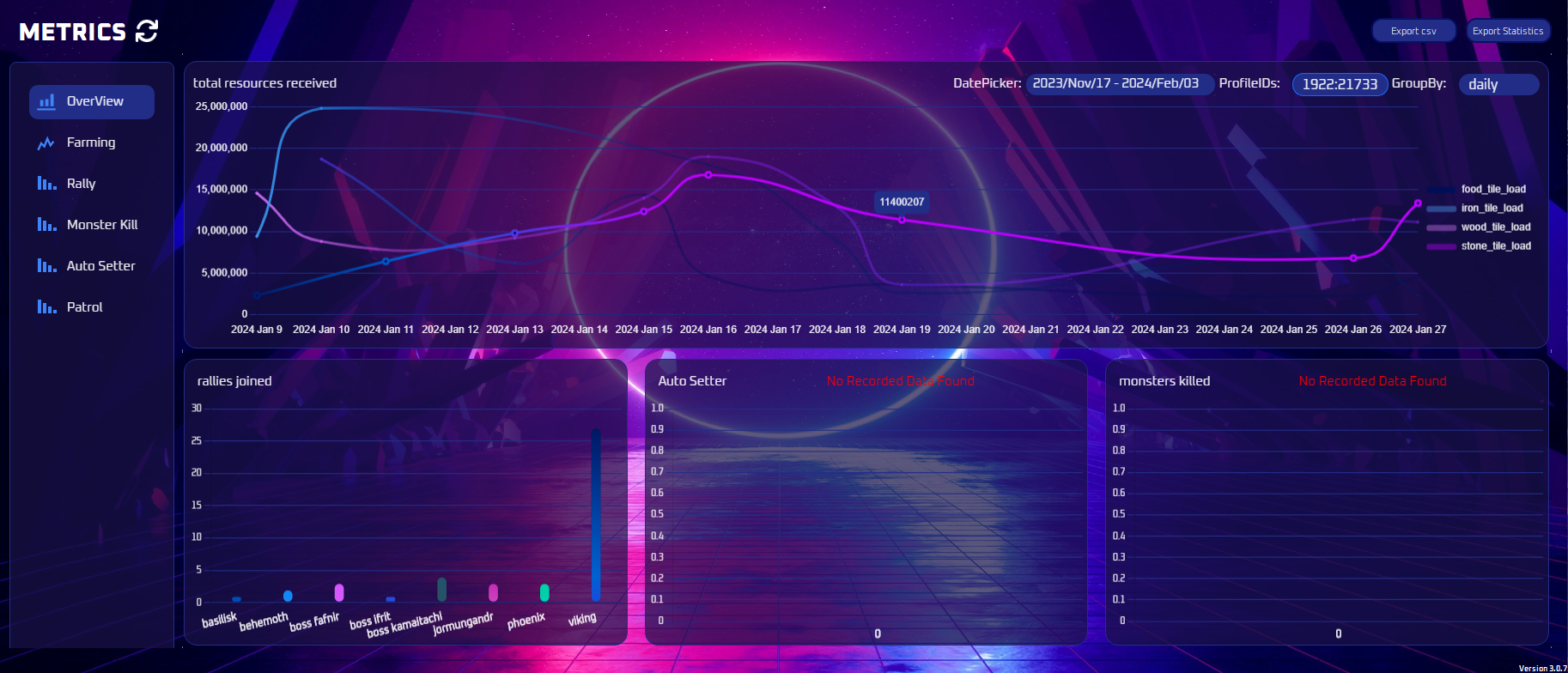
Where to find the metrics view in ESB and how to start recording data by saving in the Admin tab.
Diese Anleitung ist noch nicht auf Deutsch übersetzt und wird deshalb auf Englisch angezeigt.
Note
Save in the admin tab to initiate recording. Data will be visible once recorded.